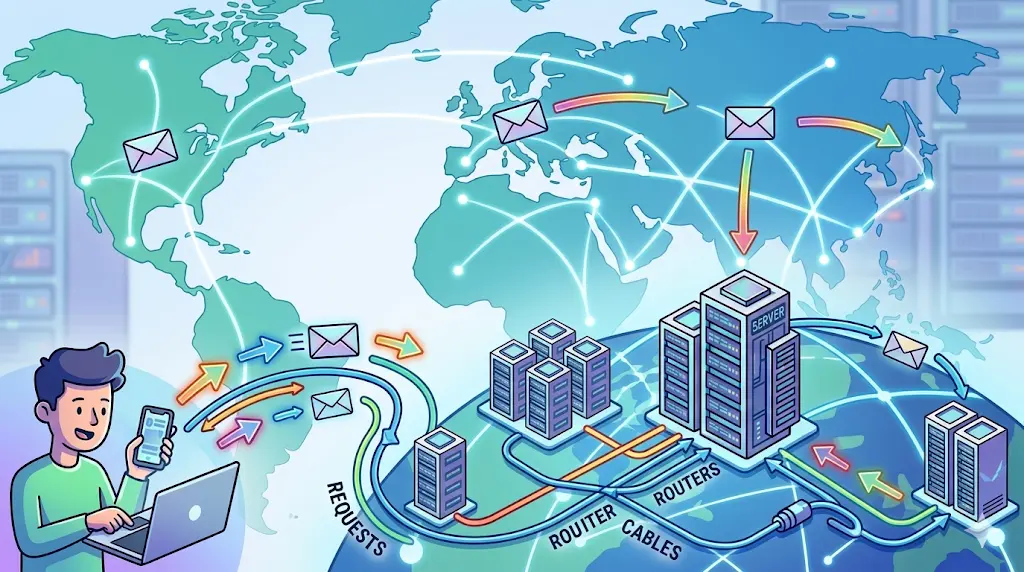
How the fu*k internet really works ?
This blog explains What is really internet and how the internet works ?.
In this blog, I am going to explain what is really internet and how the fu*k it works ?
Lets understand the problem first-
During the Second World War, government officials needed to communicate with each other. They needed to share data from one office computer to another office computer.
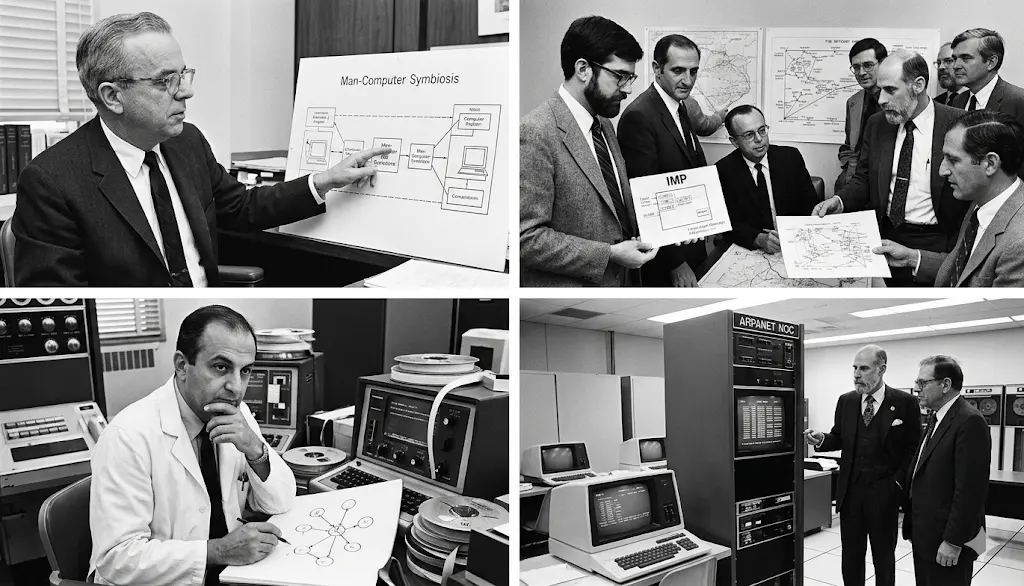
Solution -
So what they did was connect all the computers with each other using cables.
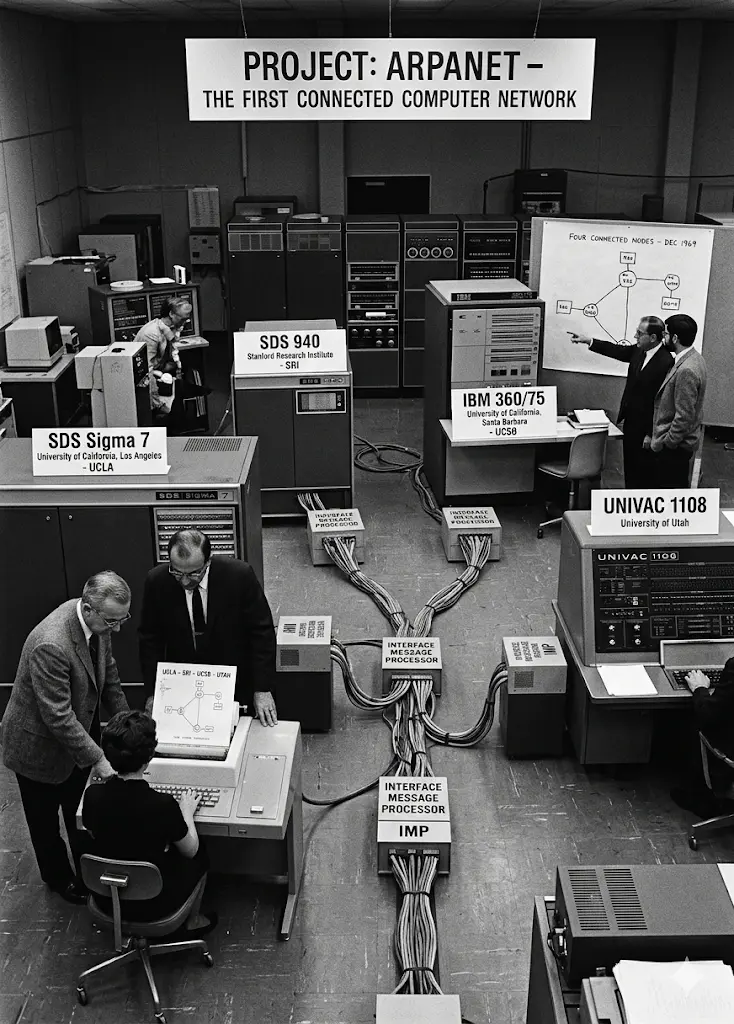
Now they were able to communicate with each other. They were able to send and receive data from each computer to another.
At that time, there were only 4 computers connected to each other. This was called ARPANET. ARPANET - the first version of the Internet.
So basically, the Internet is communication between two or more computers, sending and receiving data from each other.
A big picture of internet
Now we started connecting more and more computers to the internet, and it made a big network of computers. This network is called the Internet.
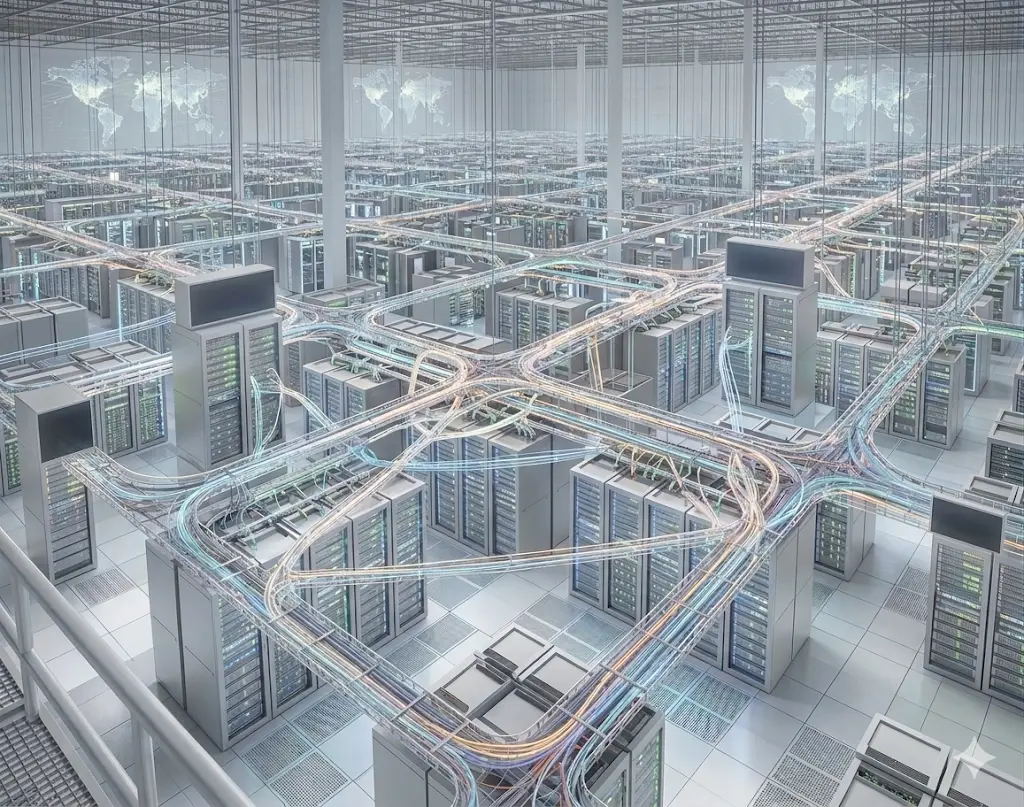
At that time, this internet was available only to people like government officials, scientists, researchers, etc.
Internet for common people
After a few decades, people also had their personal devices like mobile phones and laptops, and they also wanted to use the Internet. And to use the Internet, we need to connect our devices, usually using cables. But connecting every device with cables is not possible.
So at that time, we had the concept of EM waves, and their range is low. So we install towers in every residential area, and the tower is connected by cables to the Internet. And we connect our devices to the tower using EM waves. And by this, we are able to use the Internet. This way of connection is called data connection 4G/5G connection.
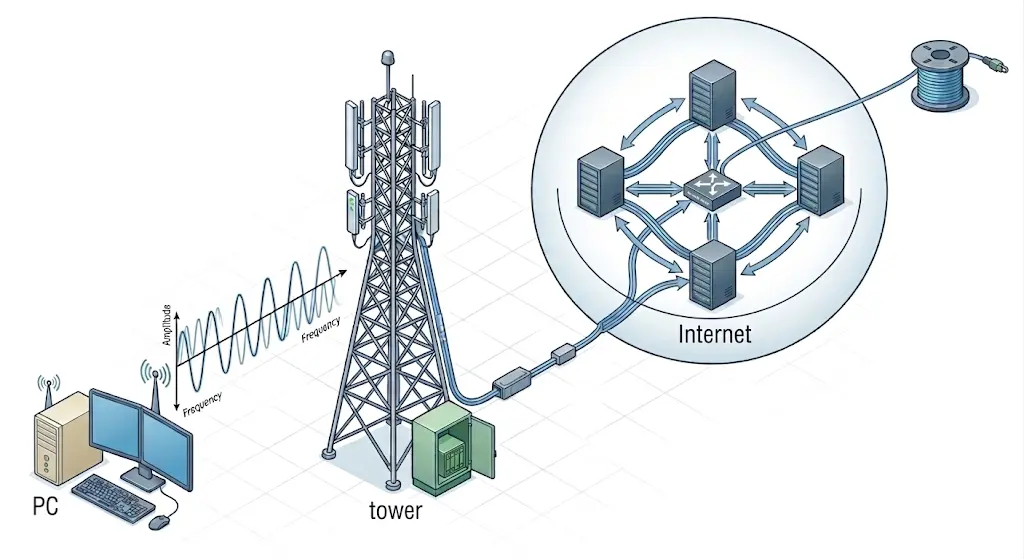
So when we turn on our mobile data, it connects our device to the tower using EM waves, and indirectly our device is connected to the Internet. This is called coming online, so whenever anyone says come online, that means he/she is saying connect your device to the Internet.
There is another way to connect our device to the internet is using cables. this way of connection is called wifi/ethernet connection.
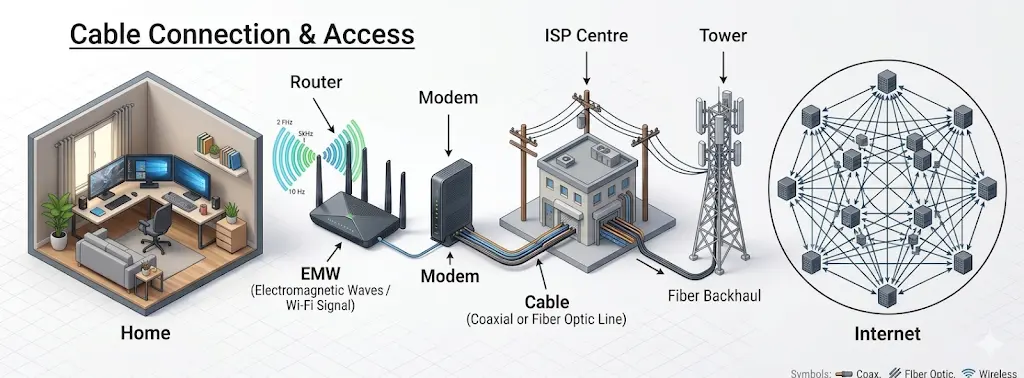
Now by these methods we are able to use the internet. We can send and receive data from each other. We can send and recive messages to each other. We can watch one videos, listen to music, play games, etc which are stored on some other computer which is connected to the internet. we can use websites, apps, etc.
But the question is how the internet works ?
How the internet works ?
Before this lets understand few terminologies-
1. Client and server
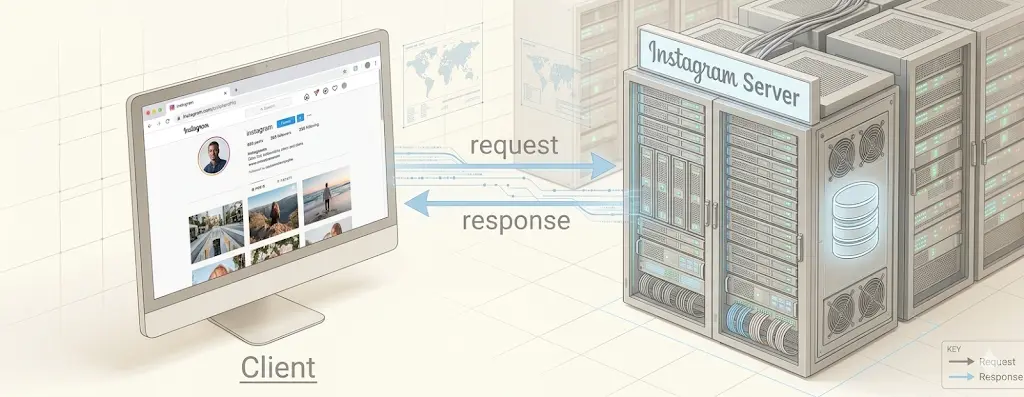
Client is a device in internet which is used to request data from a server.
Server is a device in internet which is used to provide data to a client.
For example if we are requesing instgram app from browser so our browser is client and the computer which stores instagram webpage is Server.
2. IP Address
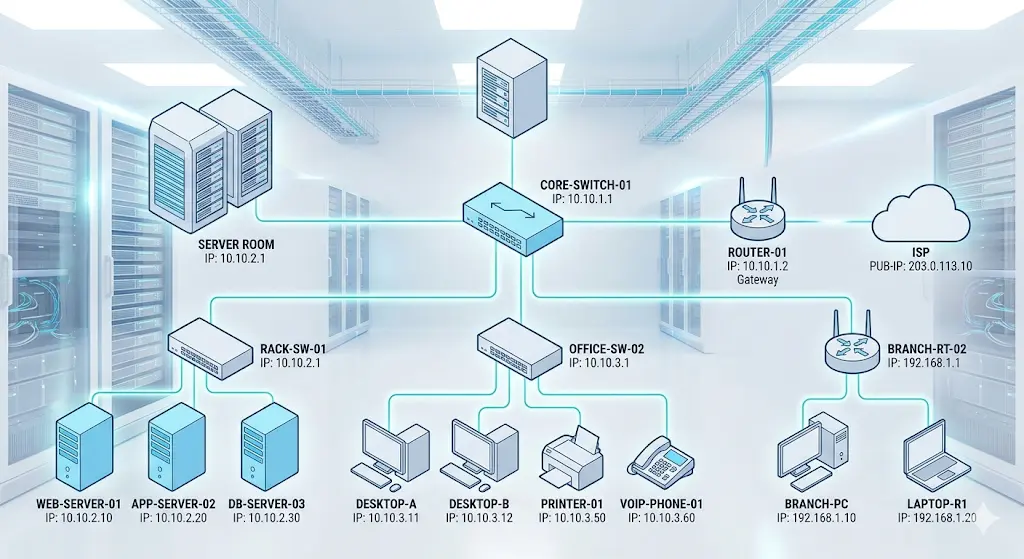
To identify uniquely every device connected to the internet we assigned a number called IP Address. Eg- 192.168.1.1
3. Port Number
At a device/server we can run multiple service at a time to identify uniquely each service we assigned a number called Port Number.
For example at a server we can run multiple services like-
- Web server (port 80)
- Mail server (port 25)
- Database server (port 3306)
- FTP server (port 21)
- SSH server (port 22)
- etc.
At our local machine we can mulitple services like-
- Node Server (port 3000)
- Vite Server (port 5173)
- Spring Boot Server (port 8080)
- MySQL Server (port 3306)
- etc.
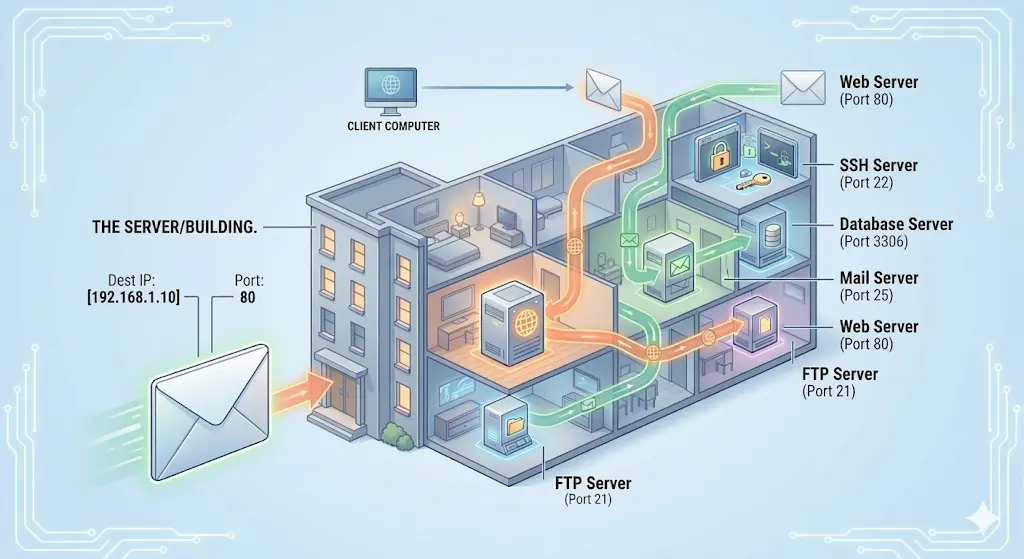
4. Protocol
Protocol is a set of rules by usinfg these rules the communication happens between devices in a network. Eg -
- https - request protocol
- TCP/IP - transport protocol
- etc.
Now lets instgram website is stored in a server and lets Server address is [157.240.182.14] and instagram service is running on server at port 443. So we can say that [IP_Address: Port] is unique address of instagram service in the internet. and www.instagram.com is just a domain name for people to remember it. which is mapped to this IP address.
Now understand what happens when we hit www.instagram.com in our browser ./ How internet work ? / OSI Layers.
-
First, when we type www.instagram.com in our browser and hit Enter, the browser sends a request to the server using the HTTPS protocol. This request travels through cables (or wireless networks) to the server. This is called the Application Layer.
-
Before the data is sent, it is encrypted (because of HTTPS) so that it is secure during transmission. This is handled by the Presentation Layer.
-
A session is then established between the client (our browser) and the server (Instagram server) to maintain communication. This is called the Session Layer.
-
The request data is broken into smaller chunks called packets, and these packets are transmitted using the TCP/IP protocol. This is called the Transport Layer.
-
Each packet contains a source IP address and a destination IP address. Routers help send these packets to the destination using the best possible path. This is called the Network Layer.
-
These packets are then converted into frames, which include MAC addresses for communication within a local network. This is called the Data Link Layer.
-
Finally, these frames are converted into bits (0s and 1s) and transmitted through physical media like cables or wireless signals. This is called the Physical Layer.
After the request reaches the server, the server processes it and sends a response back to the client using the same process in reverse order and we are able to see the instagram page in our browser.