
Publish Your own Java Maven Package.
A complete step-by-step guide to building, publishing, and using a Java utility library.
Table of Contents
- What is Numsy?
- Step-by-Step: Building the Package
- Publishing to GitHub Packages
- Using the Numsy Package in Other Projects
- Final Thoughts
What is Numsy?
Numsy is a lightweight Java utility library for basic number manipulation, formatting, and checks.
Current Features
- Check if a number is Even or Odd
- Check if a number is Prime
- Find Prime numbers within a range
- Number formatting (add commas)
- Find GCD
- Find LCM
It’s nothing fancy — just a clean, reusable utility layer for common number-related tasks that Java doesn’t provide directly.
Step-by-Step: Building the Package
1. Generate a Maven Project
I used the Maven archetype to quickly scaffold the project:
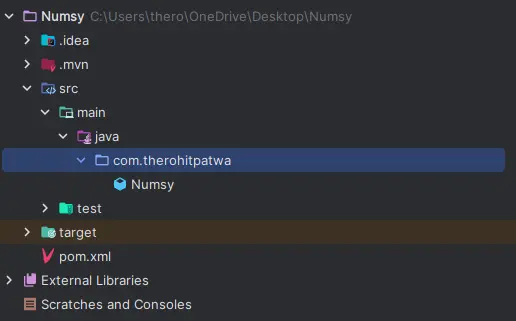
mvn archetype:generate \ -DgroupId=com.therohitpatwa \ -DartifactId=Numsy \ -DarchetypeArtifactId=maven-archetype-quickstart \ -DinteractiveMode=falseThis will create a folder structure like this. (It will also create test folder, but we won’t bother with that for now. also ignore the .gitignore, give it teste of its own medicine 😁)
2. Implement the Utility class
In src/main/java/com/therohitpatwa/Numsy Numsy.java, I added some static method:
public static Boolean isEven(int n) { ... }public static Boolean isOdd(int n) { ... }public static List<Integer> primeInRange(int start,int end) { ... }So on...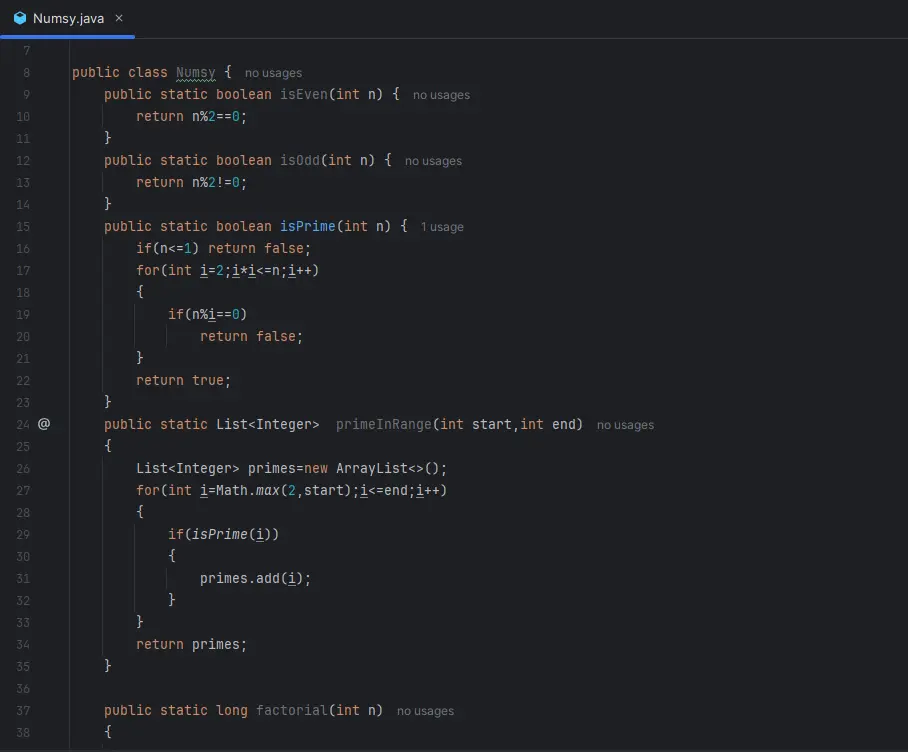
Publishing to GitHub Packages
3. Set Up pom.xml
I updated my pom.xml to include the Github packages repository under distribution Management.
<distributionManagement> <repository> <id>github</id> <name>GitHub Packages</name> <url>https://maven.pkg.github.com/Github_Username/numsy</url> </repository></distributionManagement>4. Authenticate with GitHub
In your Maven setting.xml (In ~/.m2/setting.xml file), added my GitHub credentials like this:
<servers> <server> <id>github</id> <username>YOUR_GITHUB_USERNAME</username> <password>YOUR_PERSONAL_ACCESS_TOKEN</password> </server></servers>To create YOUR_PERSONAL_ACCESS_TOKEN:
go to https://github.com/settings/tokens
Create a Classic Token with these scope enables: write:packages read:packages
Create and Paste it in the setting.xml
5. Deploy the Package
Run this command to publish:
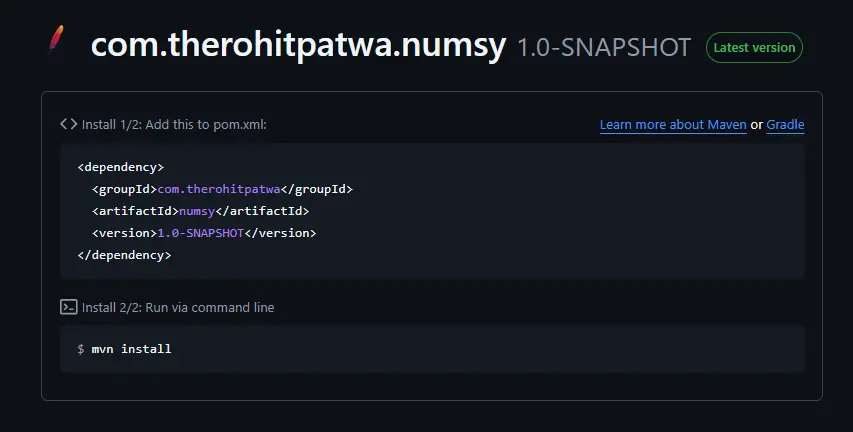
mvn deployYou’ll see the packages listed under Packages in your GItHub repo if all goes well!

Using the Numsy Package in Other Projects
In other project’s pom.xml, include the repository and dependency:
<dependencies> <dependency> <groupId>com.therohitpatwa</groupId> <artifactId>numsy</artifactId> <version>1.0-SNAPSHOT</version> </dependency></dependencies>Now Import
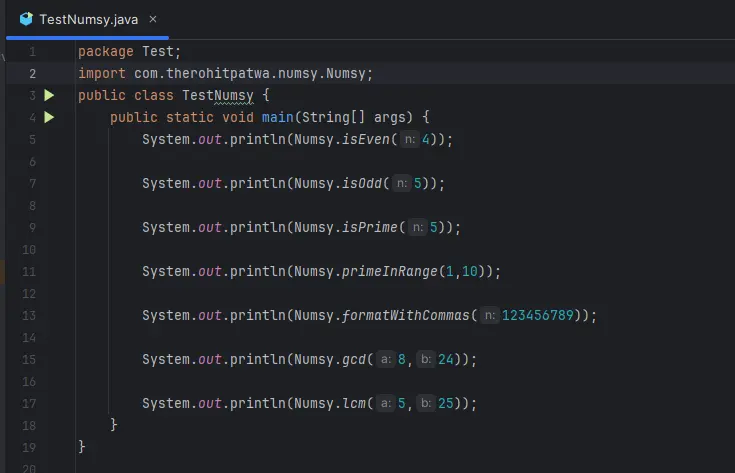
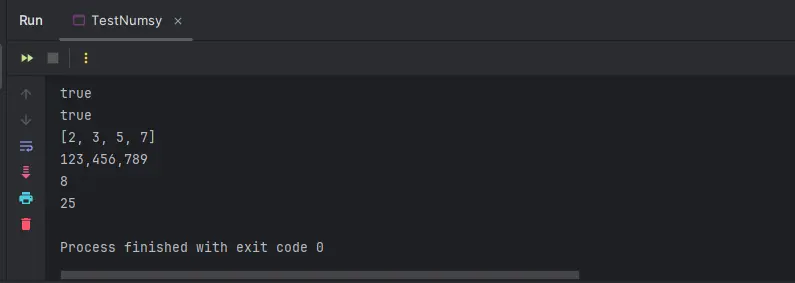
com.therohitpatwa.Numsy.numsyand you can use methods provided in Numsy class of numsy
Syntax -Numsy.methodName();
Final Thoughts
I will add more method in Numsy soon. if you would like to use it or contribute, check it out here — 👉 Numsy